

Native Windows interface
Built with WinUI 3 and the native Windows Terminal core, complete with light and dark Mica materials and zero WebView overhead.
Multi-tab SSH terminal, live server metrics, dual-pane file management, and an AI operations assistant built with WinUI 3.
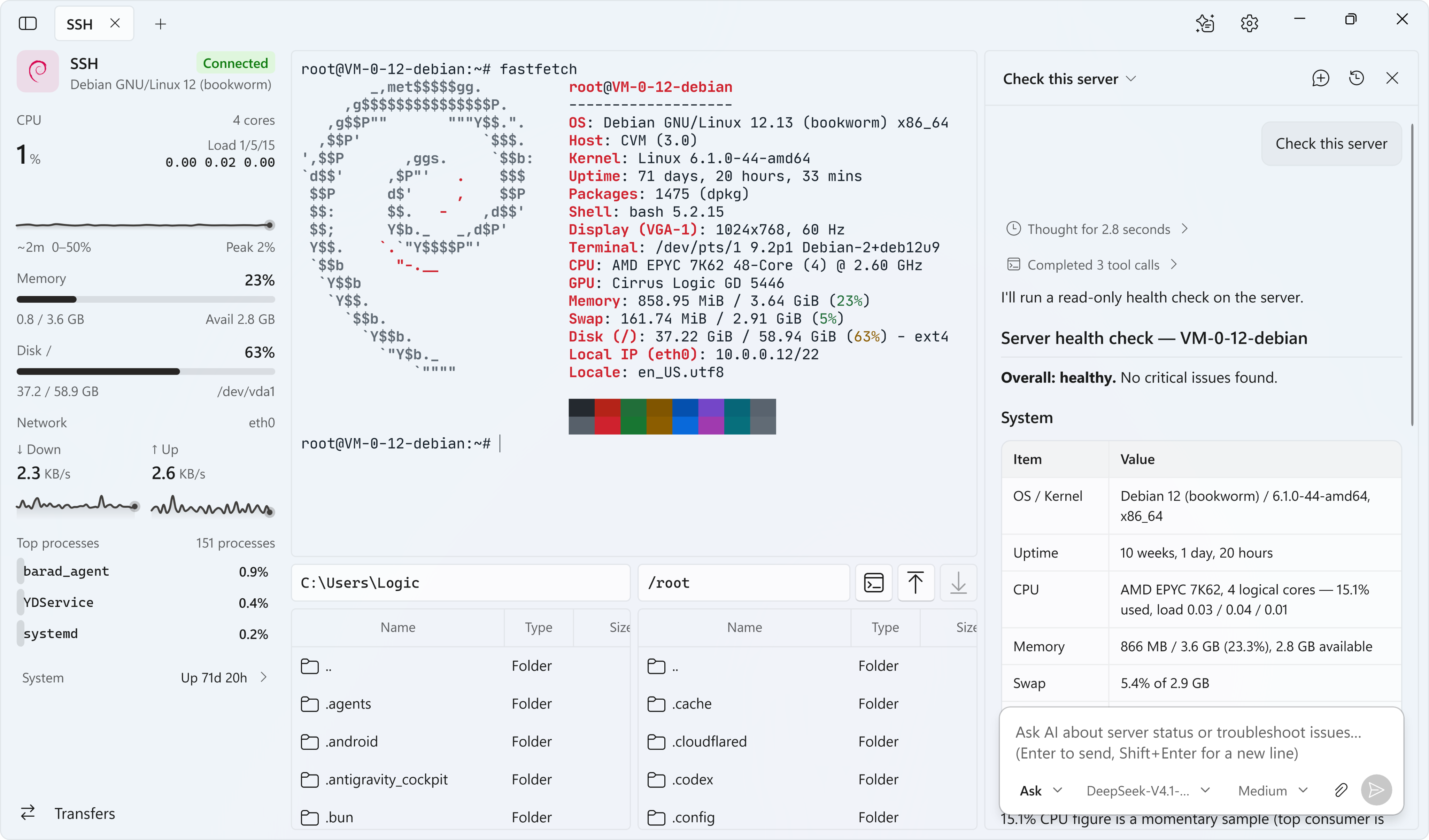
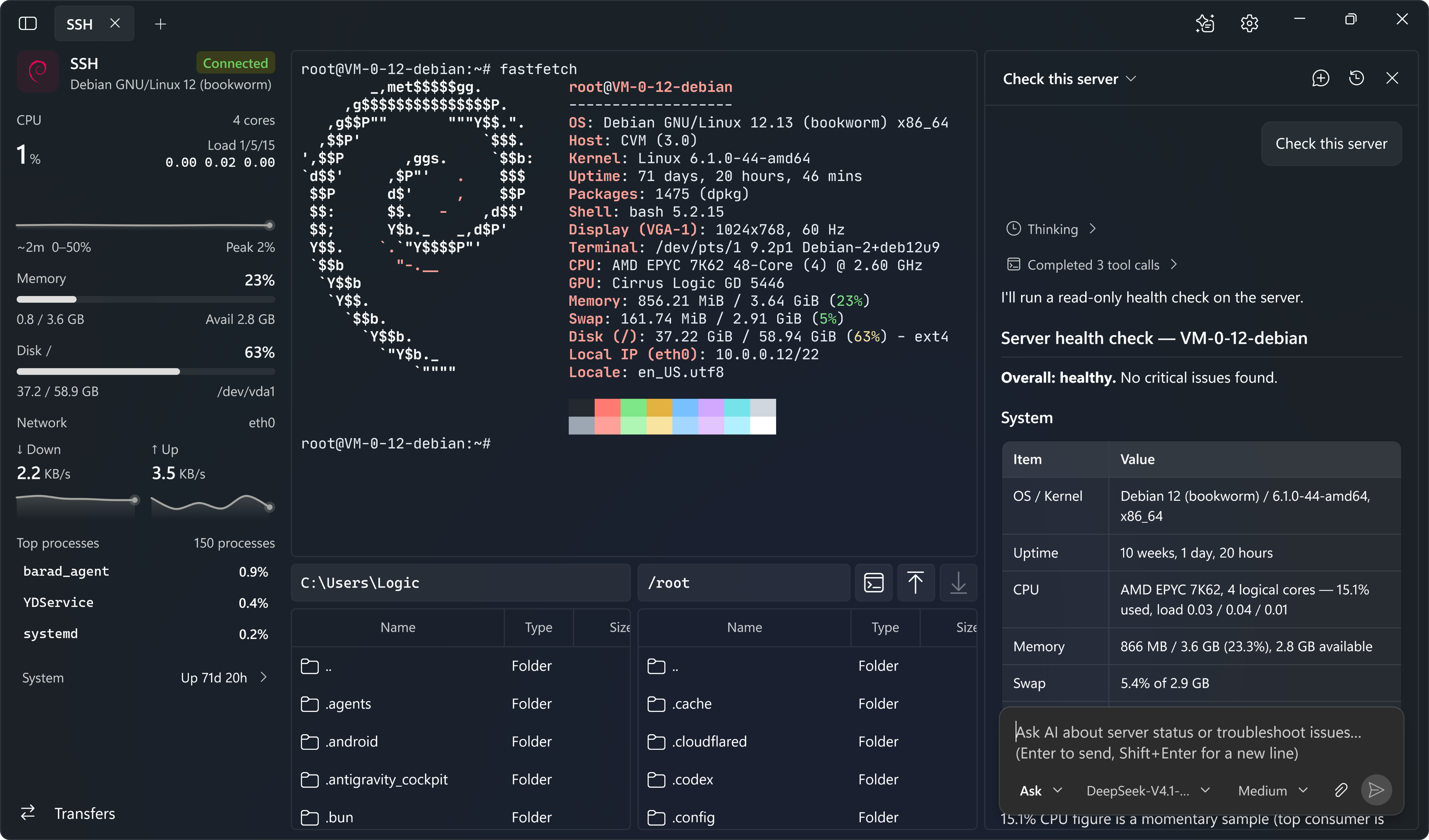
Built with WinUI 3 and the native Windows Terminal core, complete with light and dark Mica materials and zero WebView overhead.
Passwords, key passphrases, and AI API keys stay in Windows Credential Manager, paired with a dedicated local private key vault.
Sync profiles across devices via your own WebDAV server or sync folder with passphrase encryption, or migrate offline with .fsbackup.
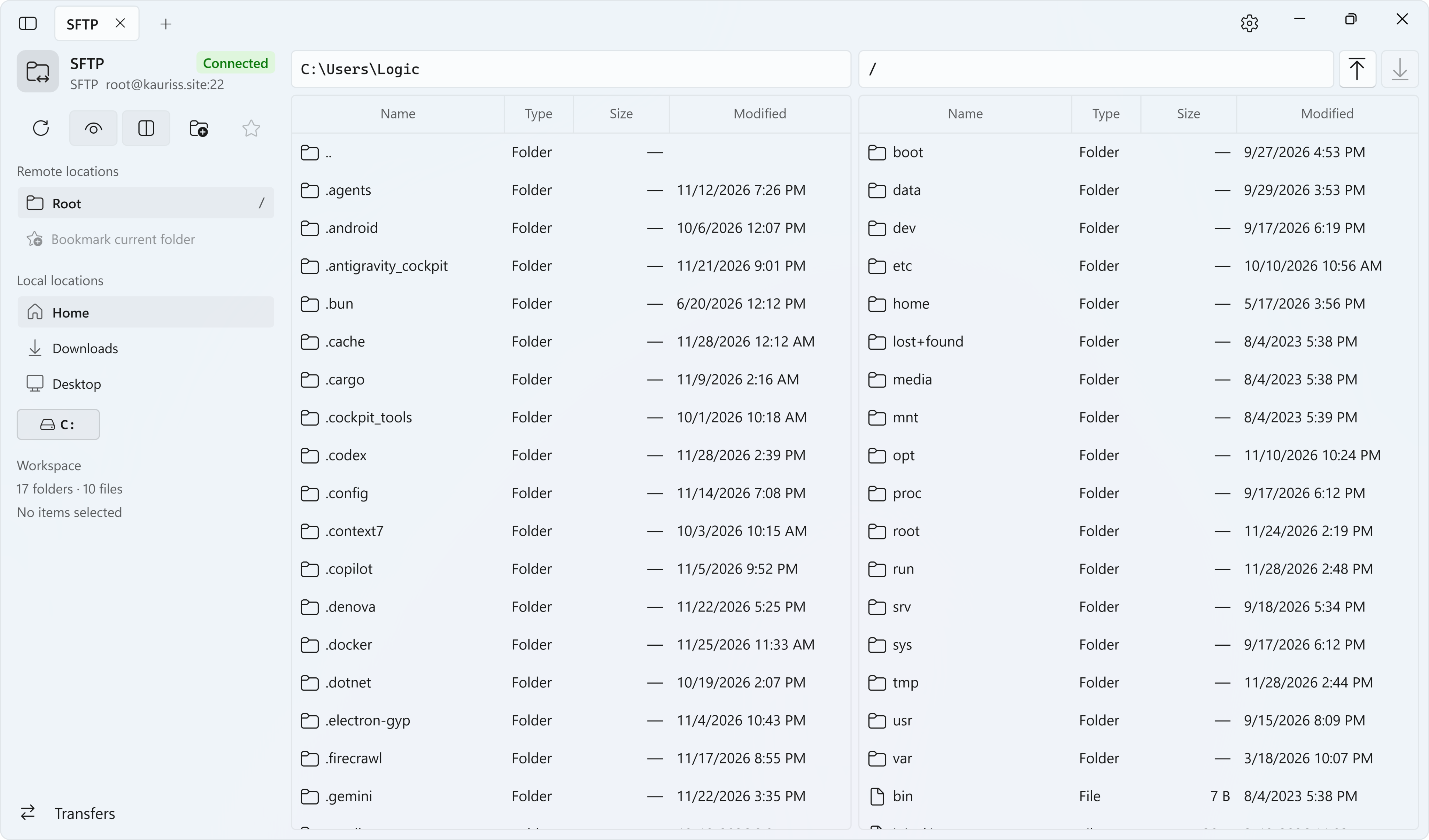
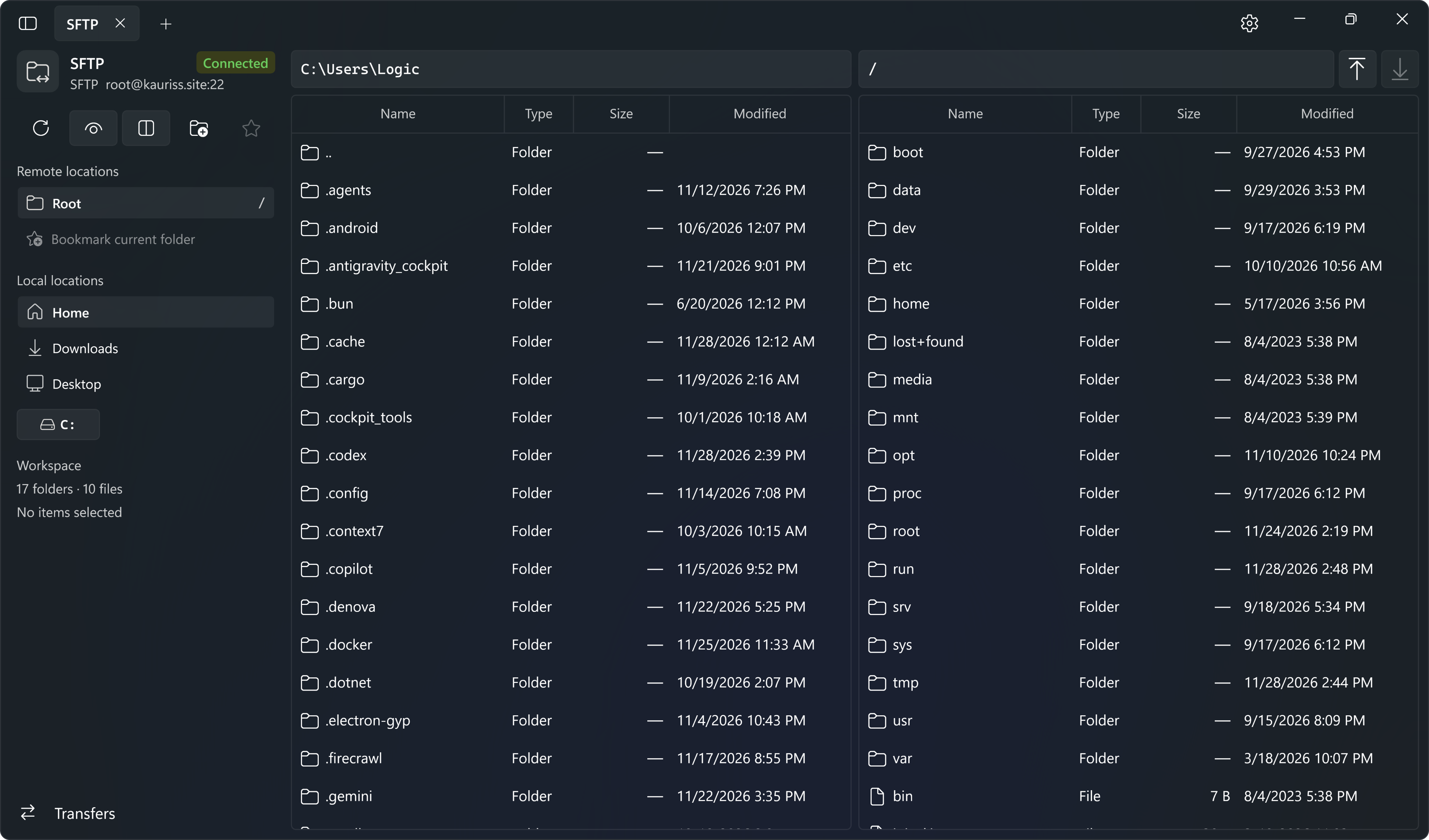
Connect via SSH, standalone SFTP, or FTP. Browse local and remote directories side by side with quick drive switches, and follow your SSH terminal directory automatically.
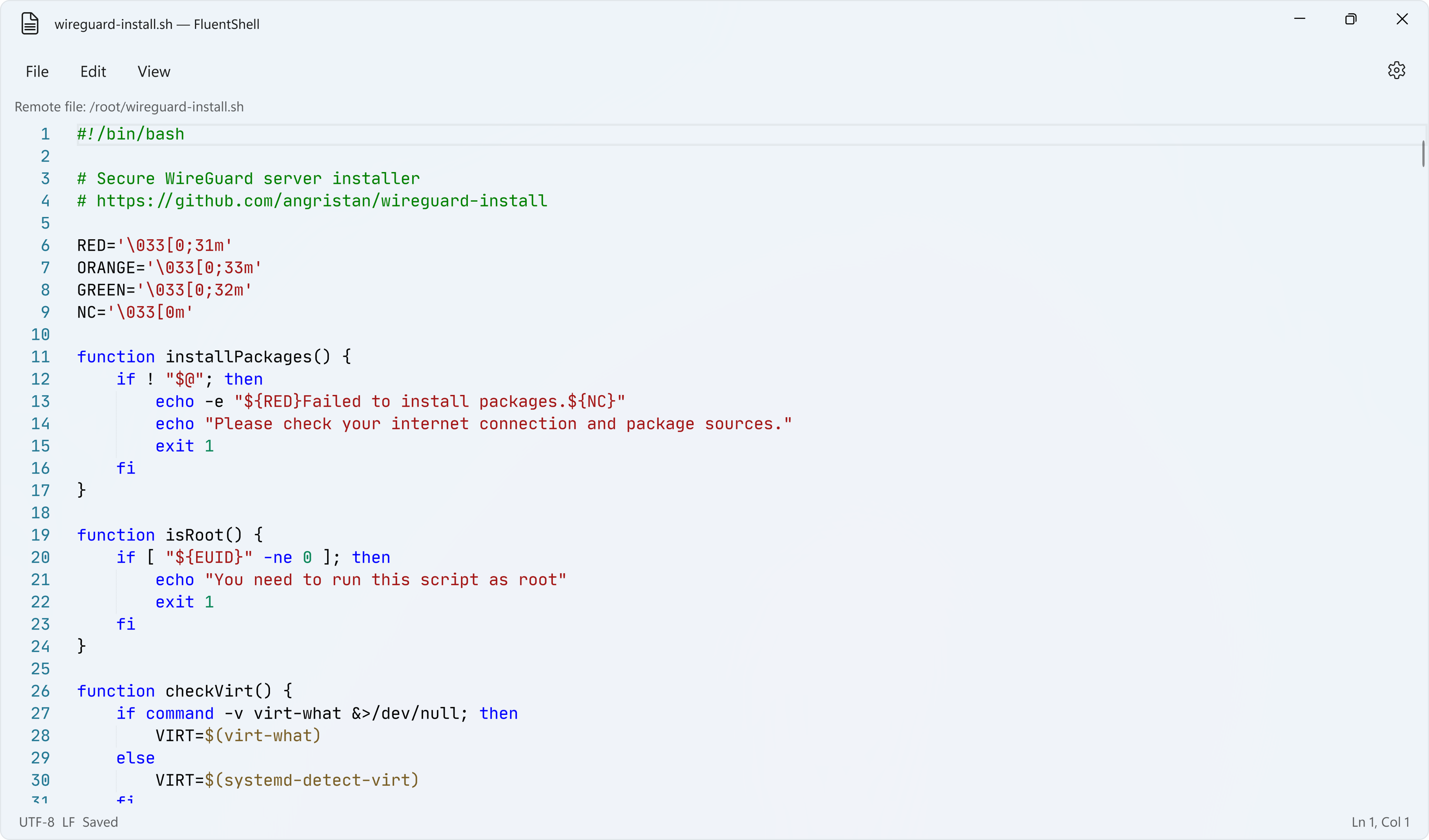
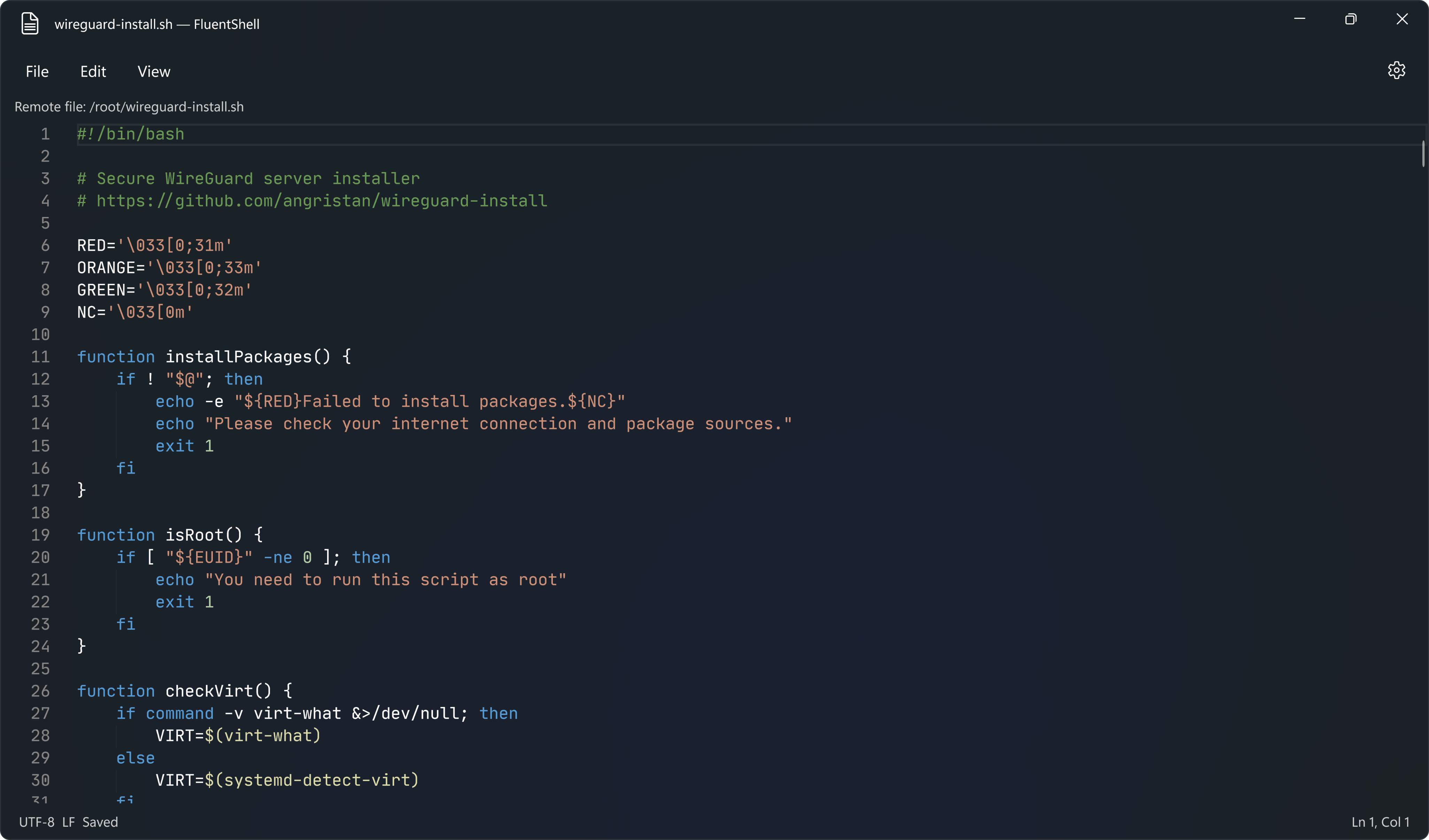
Double-click local or remote text files to edit configs or inspect logs in a standalone Mica window. FluentShell warns you about unsaved changes when closing.
Troubleshoot right beside your terminal with selection snippets, image and text attachments, and adjustable thinking effort. Ask mode is strictly read-only; Agent mode displays the target host and arguments for your explicit confirmation before every remote command or file write.
FluentShell runs no developer cloud, no account system and no analytics telemetry. Cross-device sync writes only passphrase-encrypted payloads to your own HTTPS WebDAV endpoint or sync folder, with explicit conflict resolution.
Uses the native Windows Terminal core with ANSI/VT support, regex search, and customizable shortcuts. Supports single jump hosts, host fingerprint verification, and network-aware exponential backoff reconnect.
Open the side pane in any session for read-only Ask diagnostics or approval-gated Agent actions. Bring your own keys across 16 cloud and local presets with Markdown tables, terminal snippets and file attachments.
Connect via SSH, standalone SFTP (no shell required) or FTP. Includes remote bookmarks, back/forward history, permission editing (chmod), and two-way terminal directory sync for Linux and Windows OpenSSH.
Queue mixed files and folders recursively while preserving empty directories. Includes batch conflict resolution, upload/download bandwidth limits, live speed and ETA, pause/resume and failed-item retry.
Standalone Mica WinUIEdit windows for text files up to 2 MB with line numbers, syntax highlighting and search. Preserves UTF-8 and BOM-marked UTF-16/UTF-32 line endings, blocks binary files and detects external edits.
Monitor Linux and Windows OpenSSH hosts in real time with CPU, memory, disk, top processes and short-term CPU/network sparklines, a standalone system details window, and configurable 1–60 s polling intervals.
Manage private keys and saved credentials in a dedicated sidebar workspace. Reference key files or store user-encrypted copies for OpenSSH, PEM/PKCS#8 and PuTTY PPK v2/v3, with clipboard-history-safe copying and fingerprint management.
Two-way merge over HTTPS WebDAV or local sync folders (OneDrive, Dropbox) with conflict prompts and offline .fsbackup transfers. Switch the interface between English, Simplified Chinese, Traditional Chinese, Japanese, and Korean at any time.
FluentShell supports instant switching between English, Simplified Chinese, Traditional Chinese, Japanese, and Korean, and is available through the Microsoft Store. Review our privacy policy for exact local storage and network boundaries.
Install directly from the Microsoft Store with automatic updates. For questions or feedback, email fluentshell@jslau.dev.